# Rpanion-server
**Repository Path**: willianfu/Rpanion-server
## Basic Information
- **Project Name**: Rpanion-server
- **Description**: No description available
- **Primary Language**: Unknown
- **License**: GPL-3.0
- **Default Branch**: master
- **Homepage**: None
- **GVP Project**: No
## Statistics
- **Stars**: 0
- **Forks**: 0
- **Created**: 2024-11-22
- **Last Updated**: 2024-11-22
## Categories & Tags
**Categories**: Uncategorized
**Tags**: None
## README

[](https://coveralls.io/github/stephendade/Rpanion-server)
User Documentation is at https://www.docs.rpanion.com/software/rpanion-server
# Rpanion-server
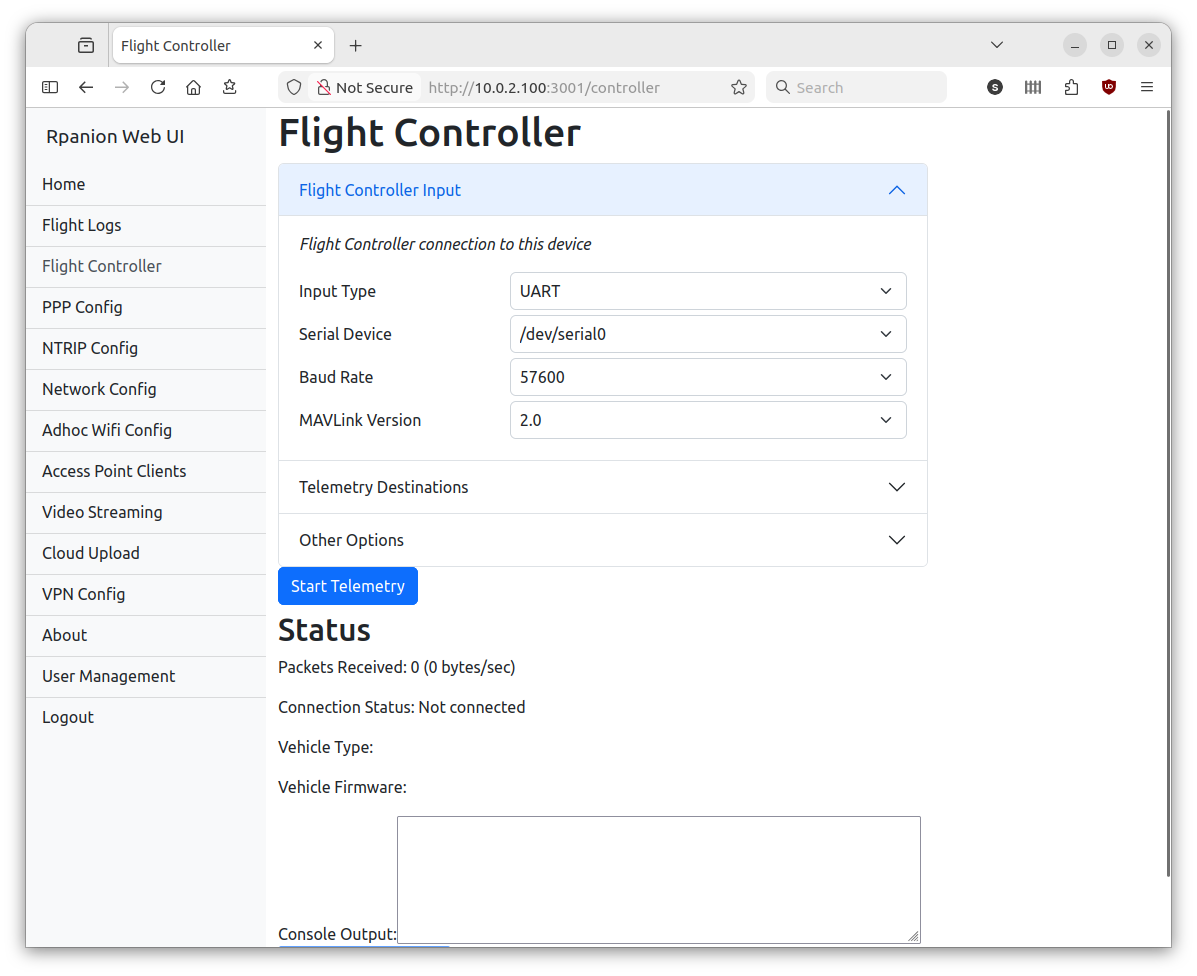
This is a node.js based server for companion computers used in Mavlink-based vehicles (ie Ardupilot, PX4).
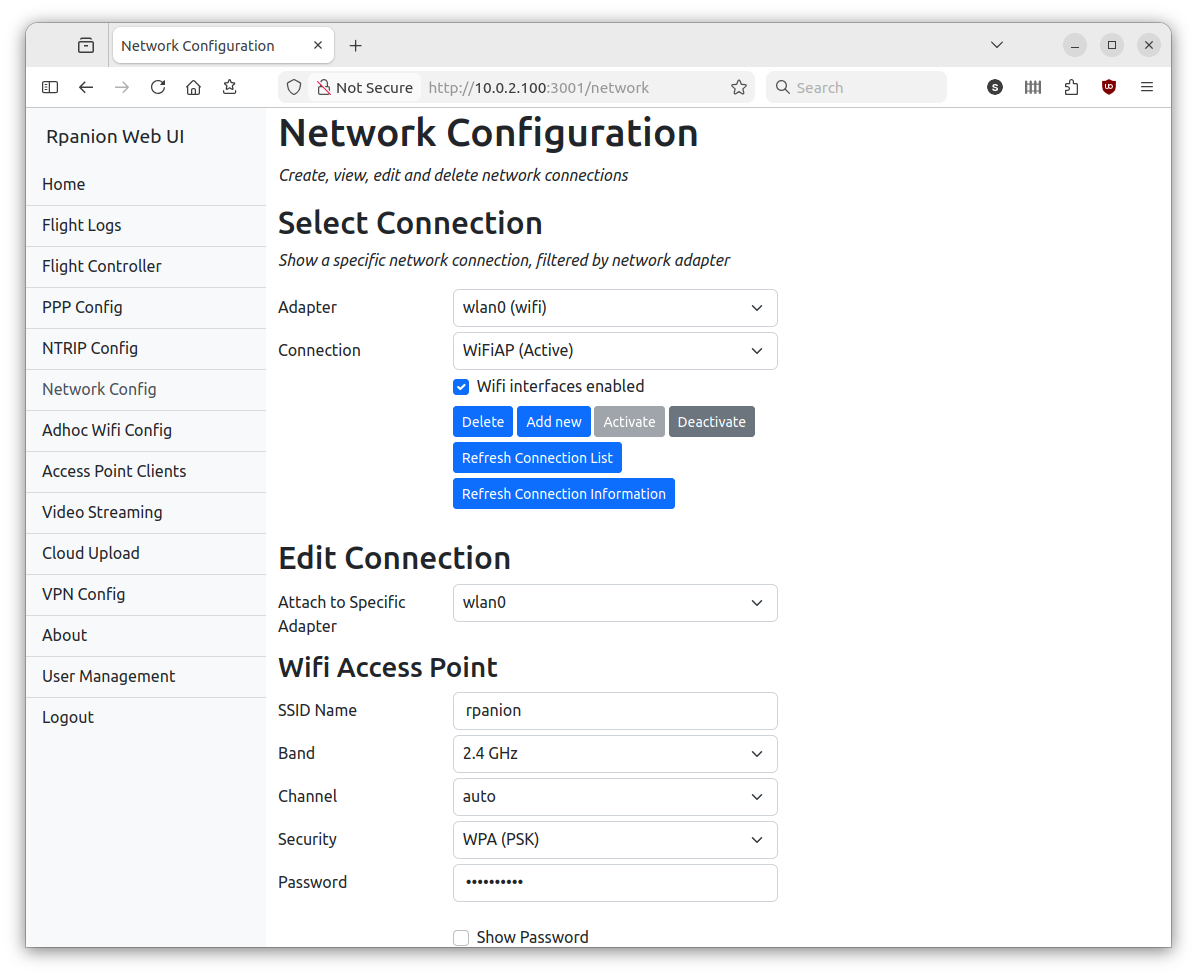
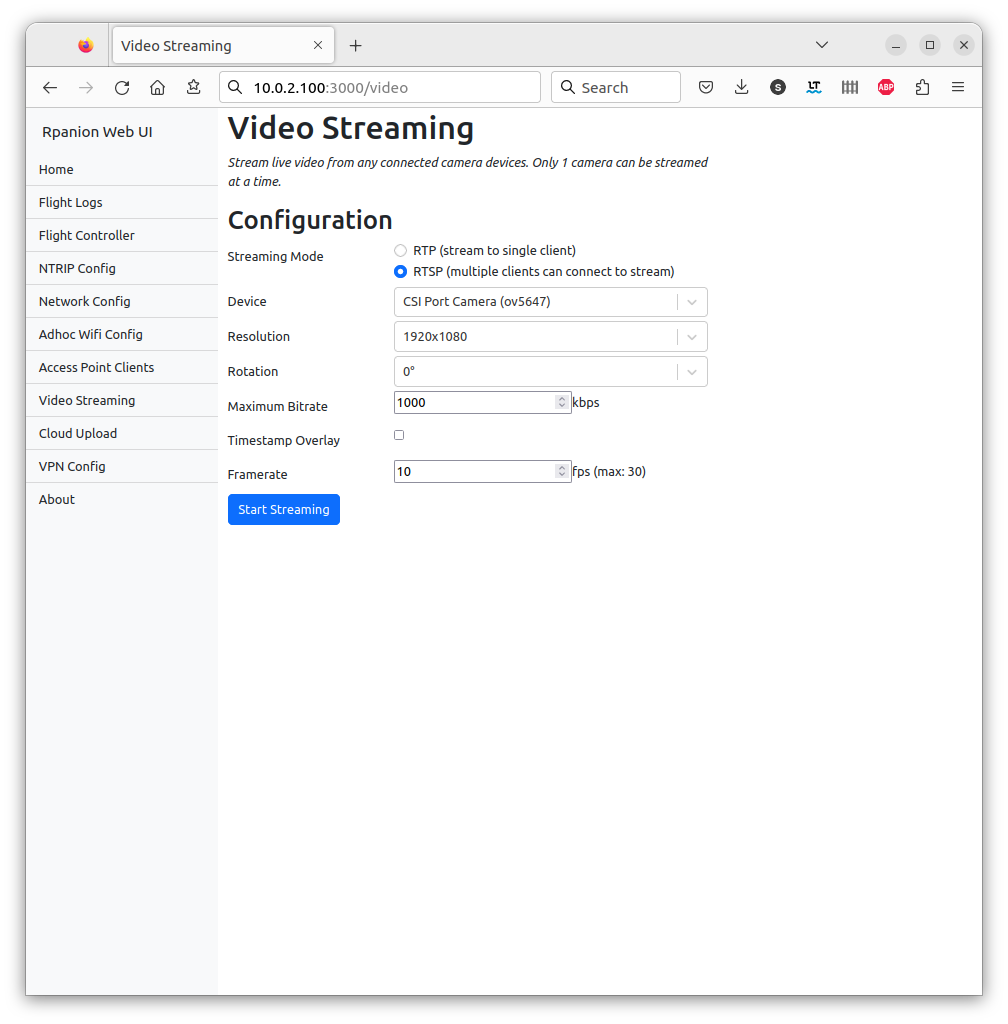
It presents a web-based interface (running on the companion computer), where system settings such as network,
telemetry and video streaming can be configured from.
On the Raspberry Pi, Rpanion-server is compatible with the Raspberry Pi OS and Ubuntu 20.04 LTS.
On the Nvidia Jetson, Rpanion-server is compatible with Ubuntu 18.04 LTS.
On the [Libre Computer Le Potato](https://libre.computer/products/aml-s905x-cc/), Rpanion-server is compatible with their flavor of [Raspberry Pi OS](https://distro.libre.computer/ci/raspbian/).
> [!NOTE]
> Some users may have issues connecting to the UART on the Raspberry Pi 3B+. Further details and configuration fixes are at https://github.com/stephendade/Rpanion-server/issues/215#issuecomment-2049058406.
## Features
Rpanion-server allows the user to configure:
- Flight Controller telemetry routing to udp outputs
- Video Streaming via an RTSP server
- Network configuration
- NTRIP Streaming
- Logging (tlog and bin logs)
## Dependencies and First-time configuration
The following instructions assumes you have cloned the Rpanion-server repository to ``~/``.
If not, use:
```
cd ~/ && git clone --recursive https://github.com/stephendade/Rpanion-server.git
```
### Automatic (Raspberry Pi)
The Raspberry Pi Zero W(1) is not supported from version 0.10.0 onwards.
For the Raspberry Pi 2, 3, 4,5 and Zero(2) run the below command on a fresh Raspberry Pi OS install
to configure and install Rpanion-server with all required dependencies. Note this does not configure
an initial Wifi hotspot.
```
cd ./deploy && ./RasPi2-3-4-5-deploy.sh
```
If running Ubuntu 20.04 OS on the Pi, use:
```
cd ~/Rpanion-server/deploy/ && ./RasPi-ubuntu20-deploy.sh
```
If running Ubuntu 22.04 OS on the Pi, use:
```
cd ~/Rpanion-server/deploy/ && ./RasPi-ubuntu22-deploy.sh
```
Note the CSI camera does not currently work on Ubuntu 22.04, due to incompatibilities with the Raspberry Pi.
If not already configured for an initial Wifi hotspot, run the ``./deploy/wifi_access_point.sh`` script.
The hotspot has the SSID "rpanion" and password "rpanion123". The Pi's IP address will be 10.0.2.100,
so the Rpanion-sever website will be available at http://10.0.2.100:3000.
### Manual (Raspberry Pi OS)
Rpanion-server requires a recent version of node.js. It can be installed
via package manager:
```
sudo apt-get install -y ca-certificates curl gnupg
sudo mkdir -p /etc/apt/keyrings
curl -fsSL https://deb.nodesource.com/gpgkey/nodesource-repo.gpg.key | sudo gpg --dearmor -o /etc/apt/keyrings/nodesource.gpg
echo "deb [signed-by=/etc/apt/keyrings/nodesource.gpg] https://deb.nodesource.com/node_20.x nodistro main" | sudo tee /etc/apt/sources.list.d/nodesource.list
sudo apt update
sudo apt install -y nodejs
```
The required prerequisite packages can be installed via:
```
sudo apt install libgstreamer-plugins-base1.0* libgstreamer1.0-dev gstreamer1.0-plugins-ugly libgstrtspserver-1.0-dev gstreamer1.0-plugins-base-apps network-manager python3 python3-dev python3-gst-1.0 python3-pip dnsmasq ninja-build
#If not using Debian Bookworm:
sudo pip3 install meson
pip3 install netifaces --user
#If using Debian Bookworm:
sudo apt install -y meson python3-netifaces gstreamer1.0-libcamera
```
For some systems (such as the Raspberry Pi), additional permissions may be requires to run ``nmcli`` from the
default user. In ``/etc/NetworkManager/NetworkManager.conf`` add ``auth-polkit=false`` in the ``main`` section.
If an older version of the Raspberry Pi OS is used (Buster, V10 or below), the ``gst-rpicamsrc`` Gstreamer element
must be installed. See https://github.com/thaytan/gst-rpicamsrc for install instructions.
To (optionally) use the Zerotier and/or Wireguard VPN's, install as follows:
```
curl -s https://install.zerotier.com | sudo bash
sudo apt install wireguard wireguard-tools
```
The mavlink-router (https://github.com/intel/mavlink-router) software is used for
backend routing and is required to be installed:
```
cd ~/Rpanion-server
git submodule init && git submodule update
cd ./modules/mavlink-router
meson setup build . --buildtype=release
ninja -C build
sudo ninja -C build install
```
The node.js packages need to be installed using ``npm install`` in the Rpanion-server folder:
```
cd ~/Rpanion-server
npm install
npm run build
```
Then to run (in production mode):
```
cd ~/Rpanion-server
npm run service
```
Otherwise, a systemd service can be installed (see ``rpanion.service``) to automatically start
Rpanion-server when the Pi starts up.
### Automatic (Nvidia Jetson)
For the Nvidia Jetson run the below command on a fresh OS install
to configure and install Rpanion-server and all required dependencies. Note this does not
configure an initial Wifi hotspot.
```
cd ./deploy && ./jetson-deploy.sh
```
### Automatic (Libre Computer AML-S905X-CC aka 'Le Potato')
For the Le Potato run the below command on a fresh OS install
to configure and install Rpanion-server and all required dependencies. Note this does not
configure an initial Wifi hotspot.
```
cd ./deploy && ./RasPi2-3-4-deploy.sh
```
If using a usb to serial converter, you might need to modify permissions of the device.
**Temporary device permission update**
```
sudo chmod 666 /dev/ttyACM0
```
**Persistent device permission update**
Follow the steps on this site for your specific device:
https://www.xmodulo.com/change-usb-device-permission-linux.html
### Automatic (x86 boards and laptops)
For any x86 based modules or laptops, run the following script
to configure and install Rpanion-server and all required dependencies. Note this does not
configure an initial Wifi hotspot.
```
cd ./deploy && ./x86-ubuntu20-deploy.sh
```
### Updating
When updating Rpanion-server from Github, run ``npm install`` to grab any
changed dependencies.
If running in production mode, run ``npm run build`` too for the ReactJS app
to be rebuilt.
If running Rpanion-server as a service, ensure to restart the service.
An automatic update script performed via:
```
./deploy/upgrade.sh
```
## Building and Running in production mode
Running in production mode builds the reactJS app first. This gives
performance increases over running in development mode.
```bash
npm run build
PORT=3000
npm run server
```
## Building and Running in development mode
Running in development mode allows for any code changes to trigger a restart of Rpanion-server.
Rpanion-server consists of a node.js server running on port 3001 and a React frontend application
running on port 3000 in development mode.
In production mode, the React application is rendered statically
from the node.js server on port 3001. This can be overidden via setting the ``PORT`` environment
variable (see ``rpanion.service`` for for example).
You can start the server on its own with the command:
```bash
npm run server
```
Run the React application on its own with the command:
```bash
npm start
```
Run both applications together with the command:
```bash
npm run dev
```
At this point, the website will be active at ``http://:3000``
## Tests
Unit tests are split into separate commands for the frontend (ReactJS) and backend.
Unit tests can be run with the command:
```bash
npm run testback
npm run testfront
```
Code coverage statistics are automatically calculated for the backend tests.
Linting (via eslint) is available via:
```bash
npm run lint
```
## Releasing
Use ``npx npm-check-updates -u`` to update nodejs libraries.
Use ``npm version minor`` to create a new release.
To produce a disk image from a SD card, insert the card and run ``./deploy/create_image.sh``.
## Running as a Service
To have Rpanion-server running on automatically on boot, there is an included systemd service file.
This can be enabled via:
```
sudo cp rpanion.service /etc/systemd/system
sudo systemctl enable rpanion.service
```