# vehicle_sim
**Repository Path**: eelog/vehicle_sim
## Basic Information
- **Project Name**: vehicle_sim
- **Description**: No description available
- **Primary Language**: Unknown
- **License**: Not specified
- **Default Branch**: master
- **Homepage**: None
- **GVP Project**: No
## Statistics
- **Stars**: 0
- **Forks**: 1
- **Created**: 2025-04-04
- **Last Updated**: 2025-04-05
## Categories & Tags
**Categories**: Uncategorized
**Tags**: None
## README
# Overview
Autonomous driving car simulator based on gazebo.
The following sensors are simulated.
- velodyne (VLP-16, HDL-32E)
- camera
- imu

# Requirements
- ROS (higher kinetic)
- gazebo (higher version 7)
# Download
```shell
$ cd
$ git clone https://github.com/yukkysaito/vehicle_sim.git --recurse-submodules
```
or if you already have a copy of the repo, run `$ git submodule update --init --recursive`.
# How to use
1. build
```shell
$ rosdep install --from-paths -y
$ cakin_make
$ source "your catkin workspace"/devel/setup.bash
```
2. upgrade gazebo version and download gazebo models(**only once**)
- reason : https://bitbucket.org/DataspeedInc/velodyne_simulator/src/56d11e899ce0a198e7206298b3aaaf8004f3a2c6/gazebo_upgrade.md?fileviewer=file-view-default
```
$ rosrun vehicle_sim_launcher setup.sh
```
3. launch gazebo
```shell
$ roslaunch vehicle_sim_launcher world_test.launch
```
If GPU is available
```shell
$ roslaunch vehicle_sim_launcher world_test.launch gpu:=true
```
[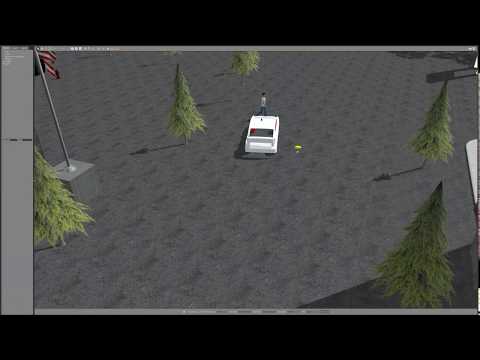](https://www.youtube.com/watch?v=JViNKB_igI4)
# Some example
## **Citysim** : http://gazebosim.org/blog/car_sim
```
$ roslaunch vehicle_sim_launcher gazebo7_citysim.launch gpu:=true
```
If you use gazebo9, simulate traffic lights and moving objects.
Build according to the [readme](https://github.com/yukkysaito/osrf_citysim/tree/9356b76bd827a3afcb71000b9274e3f64713a77c) and execute the following command
```
$ roslaunch vehicle_sim_launcher gazebo9_citysim.launch gpu:=true
```

## **mcity(car_demo)** : https://github.com/osrf/car_demo
```
$ roslaunch vehicle_sim_launcher gazebo_mcity.launch gpu:=true
```

## **Connect to Autoware** : https://github.com/CPFL/Autoware
If you need pointcloud map and path files, you can [download](https://drive.google.com/open?id=1yu8s885HDkJp3IbMV06KWim2ZdUxIoIF).
The follwing video is used *autoware_world/pointcloud_map* and *autoware_world/path*.
```
$ roslaunch vehicle_sim_launcher gazebo_autoware.launch gpu:=true
```
[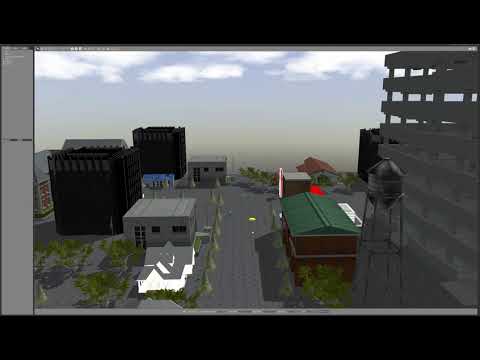](https://www.youtube.com/watch?v=wIzZ25XJI2M)
# How to change vehicle info
You can customize sensor position and vehicle info.
- sensor position: vehicle/vehicle_model/config/caibration.yaml
- vehicle info: vehicle/vehicle_model/config/vehicle_info.yaml