# native_video_player_ohos
**Repository Path**: du_guang/native_video_player_ohos
## Basic Information
- **Project Name**: native_video_player_ohos
- **Description**: No description available
- **Primary Language**: Unknown
- **License**: MIT
- **Default Branch**: master
- **Homepage**: None
- **GVP Project**: No
## Statistics
- **Stars**: 0
- **Forks**: 0
- **Created**: 2025-01-21
- **Last Updated**: 2025-01-21
## Categories & Tags
**Categories**: Uncategorized
**Tags**: None
## README
# native_video_player
[](https://pub.dev/packages/native_video_player)
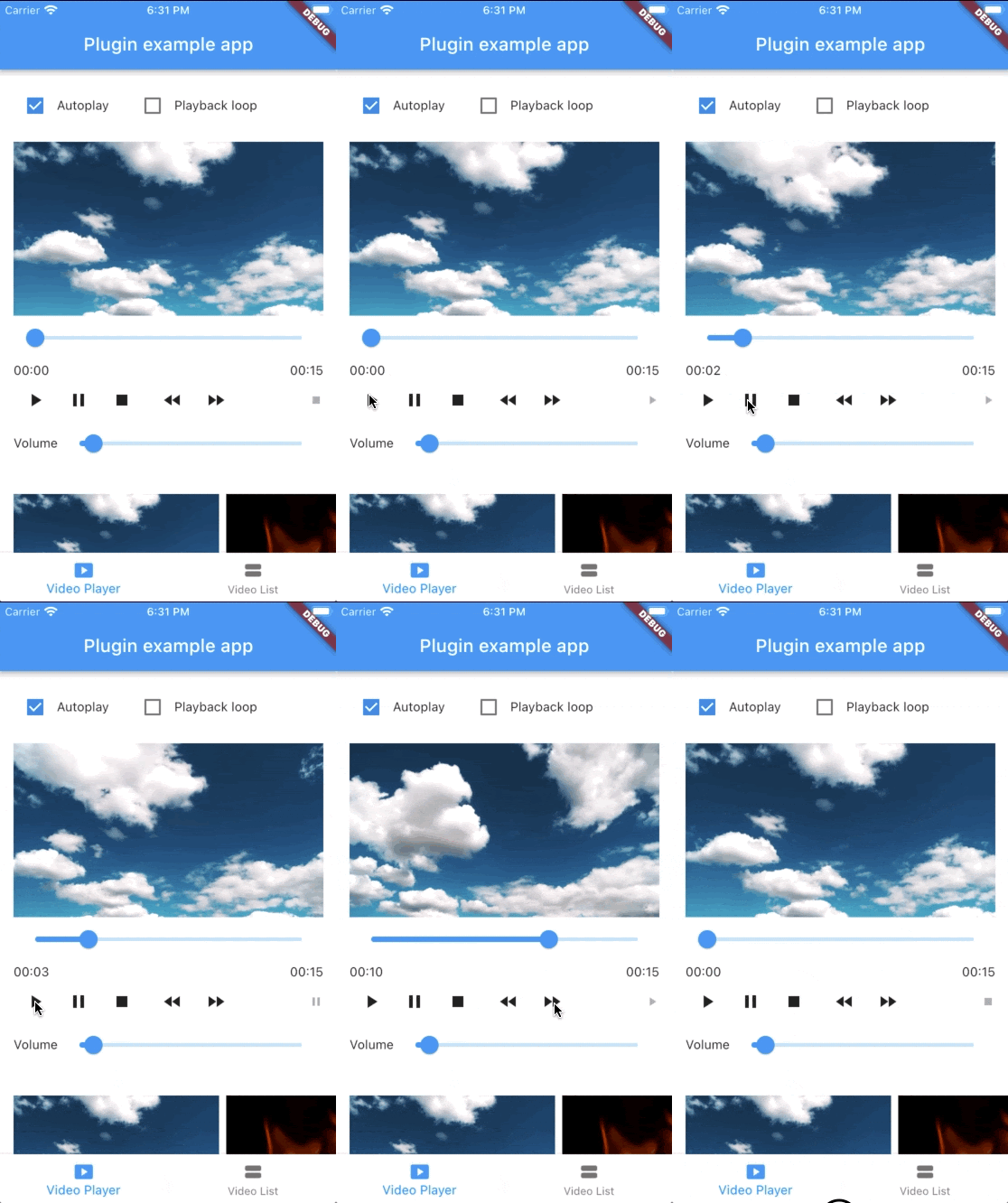
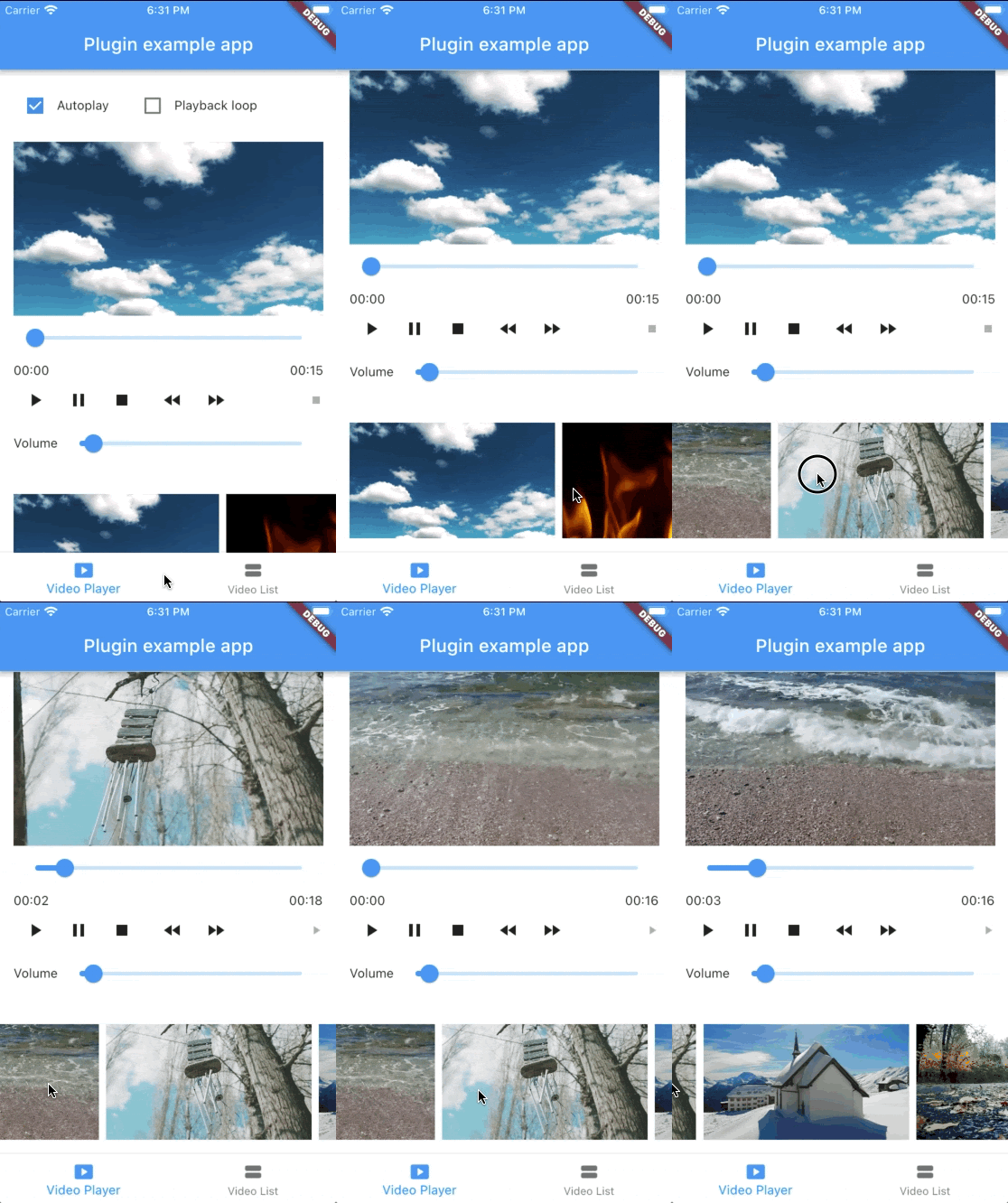
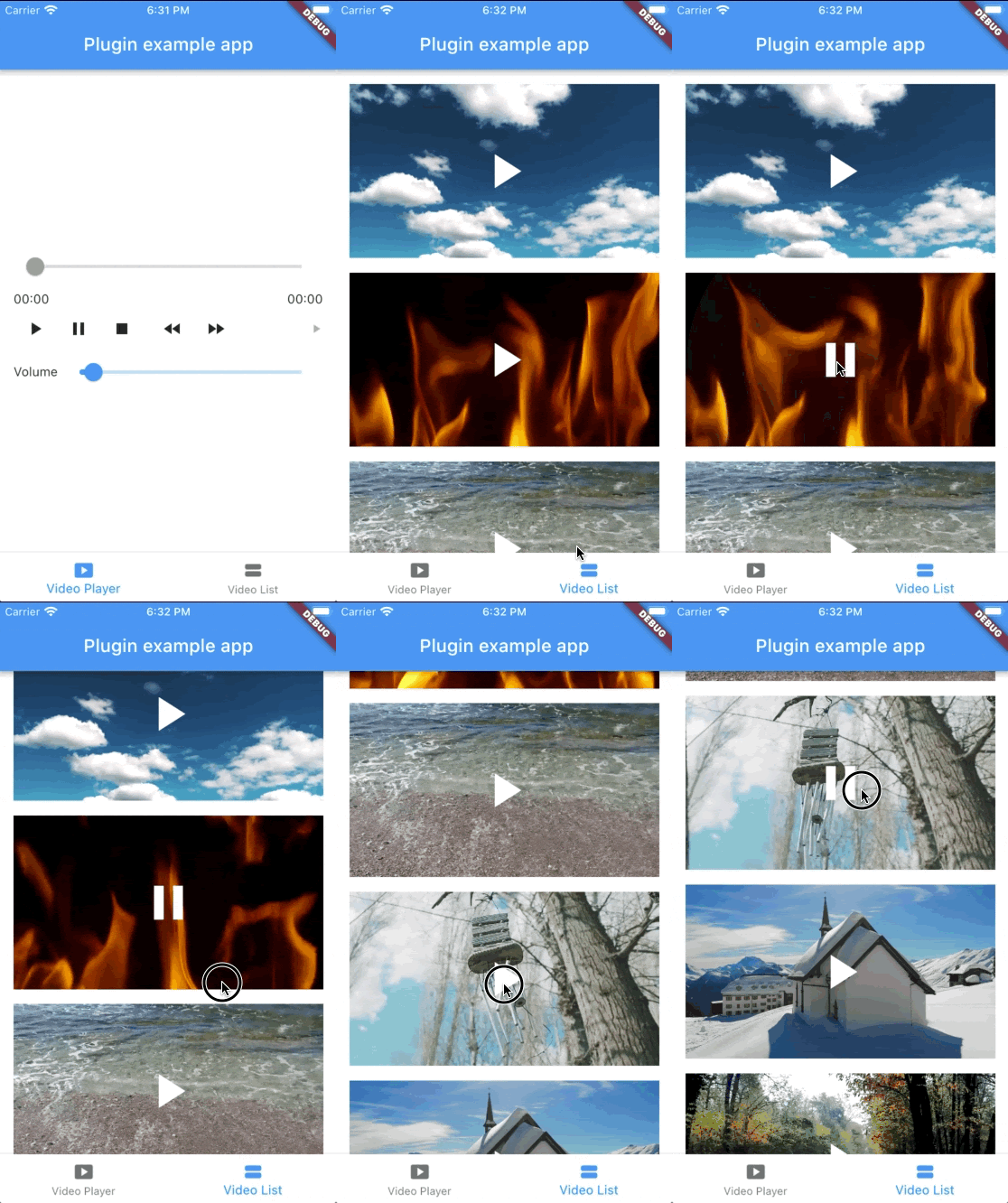
A Flutter widget to play videos on iOS and Android using a native implementation.
| | Android | iOS |
|:------------|:--------|:-----|
| **Support** | 16+ | 9.0+ |
 ### Implementation
- On iOS, the video is displayed using a combination
of [AVPlayer](https://developer.apple.com/documentation/avfoundation/avplayer)
and [AVPlayerLayer](https://developer.apple.com/documentation/avfoundation/avplayerlayer).
- On Android, the video is displayed using a combination
of [MediaPlayer](https://developer.android.com/guide/topics/media/mediaplayer)
and [VideoView](https://developer.android.com/reference/android/widget/VideoView).
## Usage
### Loading a video
```dart
@override
Widget build(BuildContext context) {
return NativeVideoPlayerView(
onViewReady: (controller) async {
final videoSource = await VideoSource.init(
path: 'path/to/file',
type: VideoSourceType,
);
await controller.loadVideoSource(videoSource);
},
);
}
```
### Listen to events
```dart
controller.onPlaybackReady.addListener(() {
// Emitted when the video loaded successfully and it's ready to play.
// At this point, videoInfo is available.
final videoInfo = controller.videoInfo;
final videoWidth = videoInfo.width;
final videoHeight = videoInfo.height;
final videoDuration = videoInfo.duration;
});
controller.onPlaybackStatusChanged.addListener(() {
final playbackStatus = controller.playbackInfo.status;
// playbackStatus can be playing, paused, or stopped.
});
controller.onPlaybackPositionChanged.addListener(() {
final playbackPosition = controller.playbackInfo.position;
});
controller.onPlaybackEnded.addListener(() {
// Emitted when the video has finished playing.
});
```
### Autoplay
```dart
controller.onPlaybackReady.addListener(() {
controller.play();
});
```
### Playback loop
```dart
controller.onPlaybackEnded.addListener(() {
controller.play();
});
```
### Advanced usage
See the [example app](https://github.com/albemala/native_video_player/tree/main/example) for a complete usage example.
## Support this project
- [GitHub Sponsor](https://github.com/sponsors/albemala)
- [Buy Me A Coffee](https://www.buymeacoffee.com/albemala)
Sponsors:
- [@enteio](https://github.com/enteio)
Thank you to all sponsors for supporting this project! ❤️
## Other projects
[All my projects](https://projects.albemala.me/)
## Credits
Created by [@albemala](https://github.com/albemala) ([Twitter](https://twitter.com/albemala))
### Implementation
- On iOS, the video is displayed using a combination
of [AVPlayer](https://developer.apple.com/documentation/avfoundation/avplayer)
and [AVPlayerLayer](https://developer.apple.com/documentation/avfoundation/avplayerlayer).
- On Android, the video is displayed using a combination
of [MediaPlayer](https://developer.android.com/guide/topics/media/mediaplayer)
and [VideoView](https://developer.android.com/reference/android/widget/VideoView).
## Usage
### Loading a video
```dart
@override
Widget build(BuildContext context) {
return NativeVideoPlayerView(
onViewReady: (controller) async {
final videoSource = await VideoSource.init(
path: 'path/to/file',
type: VideoSourceType,
);
await controller.loadVideoSource(videoSource);
},
);
}
```
### Listen to events
```dart
controller.onPlaybackReady.addListener(() {
// Emitted when the video loaded successfully and it's ready to play.
// At this point, videoInfo is available.
final videoInfo = controller.videoInfo;
final videoWidth = videoInfo.width;
final videoHeight = videoInfo.height;
final videoDuration = videoInfo.duration;
});
controller.onPlaybackStatusChanged.addListener(() {
final playbackStatus = controller.playbackInfo.status;
// playbackStatus can be playing, paused, or stopped.
});
controller.onPlaybackPositionChanged.addListener(() {
final playbackPosition = controller.playbackInfo.position;
});
controller.onPlaybackEnded.addListener(() {
// Emitted when the video has finished playing.
});
```
### Autoplay
```dart
controller.onPlaybackReady.addListener(() {
controller.play();
});
```
### Playback loop
```dart
controller.onPlaybackEnded.addListener(() {
controller.play();
});
```
### Advanced usage
See the [example app](https://github.com/albemala/native_video_player/tree/main/example) for a complete usage example.
## Support this project
- [GitHub Sponsor](https://github.com/sponsors/albemala)
- [Buy Me A Coffee](https://www.buymeacoffee.com/albemala)
Sponsors:
- [@enteio](https://github.com/enteio)
Thank you to all sponsors for supporting this project! ❤️
## Other projects
[All my projects](https://projects.albemala.me/)
## Credits
Created by [@albemala](https://github.com/albemala) ([Twitter](https://twitter.com/albemala))